

Embarking on the journey of creating a custom operating system can be a daunting task, especially for beginners. However, with the right guidance, it can also be a rewarding learning experience. Building an OS from scratch requires a deep understanding of computer science fundamentals and software development.
Developing a custom OS involves several complex steps, including designing the architecture, writing the bootloader, and implementing the kernel. It’s a challenging project that demands patience, persistence, and practice. Despite the difficulties, many developers undertake this challenge to gain a deeper understanding of how operating systems work.
By taking on this beginner’s challenge, individuals can acquire valuable skills in programming and system development. It’s an opportunity to explore the intricacies of OS design and development, fostering a deeper appreciation for the complexities involved.
Understanding Operating Systems Fundamentals
Understanding the core concepts of an operating system is essential for any aspiring OS developer. An operating system is the backbone of a computer, managing its hardware resources and providing a platform for running applications.
What Is an Operating System?
An operating system (OS) is a complex software component that acts as an intermediary between computer hardware and user-level applications. It manages hardware resources such as CPU, memory, and storage, allocating them to various processes as needed.
The Core Components of an OS
The core components of an operating system include the kernel, device drivers, and system services. The kernel is the central part of the OS, responsible for process management, memory management, and file management. Device drivers enable communication between the OS and hardware devices, while system services provide a interface for applications to interact with the OS.
Setting Up Your Development Environment
A well-configured development environment is the foundation of a successful operating system project. To start building your own operating system, you need to prepare your development environment carefully.

Required Software and Tools
To develop an operating system, you’ll need a range of software and tools. These include a cross-compiler, a code editor or IDE, and a debugger. Popular choices for code editors include Visual Studio Code and Sublime Text, while for debugging, tools like GDB are highly recommended.
The choice of programming language is also crucial; languages like C and Assembly are commonly used in operating system development due to their low-level memory management capabilities.
Creating a Virtual Machine for Testing
Testing your operating system on a physical machine can be risky, as it may potentially cause system crashes or data loss. Creating a virtual machine using software like VirtualBox or VMware allows you to test your operating system in a safe and controlled environment.
Setting up a virtual machine involves installing the virtualization software, creating a new virtual machine instance, and configuring it to boot from your operating system’s image.
How to Make Your Own Operating System for a Computer
To make your own operating system, you need to understand the basics of operating system design and development. This involves several key steps, including choosing the right programming languages and understanding the boot process.
Choosing Your Programming Languages
When developing an operating system, selecting the appropriate programming languages is crucial. Most operating systems are written in a combination of C and Assembly languages due to their performance and low-level memory management capabilities. For instance, the Linux kernel is primarily written in C.
| Language | Use Case |
|---|---|
| C | Kernel development, system programming |
| Assembly | Low-level programming, bootloaders |
Understanding the Boot Process
The boot process is a critical component of an operating system, as it is responsible for initializing the system and loading the kernel into memory. Understanding how the boot process works is essential for developing a custom operating system. The boot process typically involves a bootloader, which is responsible for loading the kernel.
“The bootloader is the first piece of code that runs when a computer starts, making it a crucial component of the boot process.”
Creating Your First Bootable Kernel
To get your operating system up and running, you need to create a bootable kernel. This involves several key steps, starting with understanding the role of a bootloader.
Writing a Basic Bootloader
A bootloader is essential for loading your kernel into memory. To write a basic bootloader, you’ll need to use assembly language. Here are the key steps:
- Define the boot sector: The BIOS looks for the boot sector to load the bootloader.
- Use BIOS interrupts: To interact with the hardware, you’ll use BIOS interrupts.
- Load the kernel: The bootloader’s primary job is to load your kernel into memory.
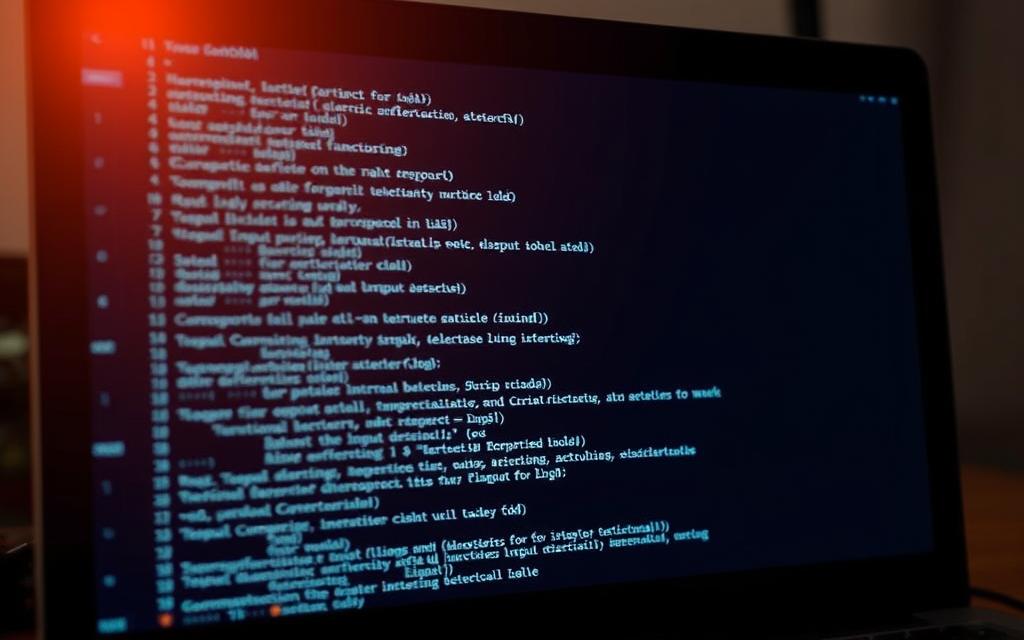
Example Code: A simple bootloader might look like this: boot.asm file containing the necessary assembly code to boot your kernel.
Compiling and Testing Your First Boot
Once you’ve written your bootloader and kernel, you need to compile and test them. This involves:
- Compiling your code using a cross-compiler.
- Creating a bootable image using tools like dd.
- Testing your bootable image in an emulator like QEMU.
By following these steps, you can successfully create and test your first bootable kernel.
Implementing Basic Input/Output Functions
Implementing input/output functions is a fundamental step in building an operating system from scratch. These functions enable the OS to interact with the user and other hardware components, making it usable and functional. In this section, we will explore how to set up basic screen output and implement keyboard input.
Setting Up Screen Output
To set up screen output, you need to understand how to write data directly to the video memory. Most systems use VGA (Video Graphics Array) mode for basic output. You can start by defining a function that writes characters to the screen using a specific memory address for VGA. For instance, you can use the address 0xB8000 for VGA text mode. Properly initializing the VGA mode and handling scrolling are crucial for a seamless user experience.
Implementing Keyboard Input
Implementing keyboard input involves reading scan codes from the keyboard controller. You need to set up an interrupt handler to catch keyboard interrupts and decode the scan codes to ASCII characters. Efficient handling of keyboard input is vital for a responsive operating system. As Linus Torvalds once said, “The most important thing in a programming language is the name. A language will not succeed without a good name. I think Unix was a very good name.” While this pertains to programming languages, the principle applies to building a robust input system. Properly handling keyboard input lays the groundwork for a user-friendly interface.
Memory Management Essentials
A well-implemented memory management system is essential for the overall performance of an operating system. Memory management involves controlling and coordinating the use of memory, ensuring that it is allocated efficiently among various running programs.
Understanding Memory Allocation
Memory allocation is the process of assigning a portion of the computer’s memory to a program or process. Efficient memory allocation is crucial to prevent memory leaks and ensure that the system remains stable. There are two primary types of memory allocation: static and dynamic. Static allocation occurs at compile time, whereas dynamic allocation happens during runtime.
- Static memory allocation
- Dynamic memory allocation
Implementing a Basic Memory Manager
Implementing a basic memory manager involves creating a system that can track and manage memory allocation. This includes initialising memory pools, handling allocation requests, and managing deallocation. A simple memory manager can be implemented using data structures like linked lists to track free and allocated memory blocks.
Building a Command Line Interface
Developing a command line interface is a crucial step in creating a fully functional operating system. It enables users to interact with the OS by executing commands, thus providing a fundamental way to manage and control the system.
Creating a Simple Shell
A simple shell acts as the primary interface between the user and the operating system. To create one, you need to design a program that can read user input, parse commands, and execute them. This involves setting up a loop that continually waits for user input and processes it accordingly.

Implementing Basic Commands
Basic commands such as help, list, and exit are essential for a functional CLI. Implementing these commands involves writing functions that can be called based on user input. For instance, the help command can display a list of available commands, while list can show files in the current directory.
Adding Core System Features
As we progress in building our operating system, it’s essential to incorporate core features that enhance user experience. At this stage, we will focus on implementing vital functionalities that make our OS more robust and user-friendly.
Implementing Shutdown and Restart Functions
To make our OS fully functional, we need to implement shutdown and restart functions. This involves writing code that interacts with the hardware to perform these actions safely. We will use Assembly language and C programming to achieve this. The shutdown function will ensure that all processes are terminated properly, while the restart function will reboot the system without losing power.
Creating a File System Structure
A file system is crucial for any operating system as it allows for the organization and storage of data. We will design a basic file system structure that includes directories and files. This will involve defining the file system hierarchy and implementing functions for creating, deleting, and managing files. Using a hierarchical structure will make it easier for users to navigate and manage their data.
Testing and Debugging Your OS
The process of testing and debugging is vital to ensure your operating system functions as expected. This phase is critical in identifying and resolving issues that could affect the overall performance and stability of your OS.
Effective testing involves checking various components of your operating system, including hardware interactions, memory management, and user interface responsiveness.
Common Issues and Solutions
During testing, you may encounter several common issues, such as system crashes, memory leaks, or failure to boot. To troubleshoot these problems, it’s essential to have a systematic approach. For instance, system crashes can often be resolved by checking for driver issues or updating your kernel.
| Issue | Possible Cause | Solution |
|---|---|---|
| System Crash | Driver issues or kernel problems | Update drivers or kernel |
| Memory Leak | Improper memory allocation | Review and optimise memory allocation code |
| Failure to Boot | Bootloader configuration issues | Check and correct bootloader settings |
Using Emulators for Testing
Emulators provide a safe environment to test your operating system without risking your primary system. Tools like QEMU or Bochs are popular choices among OS developers.
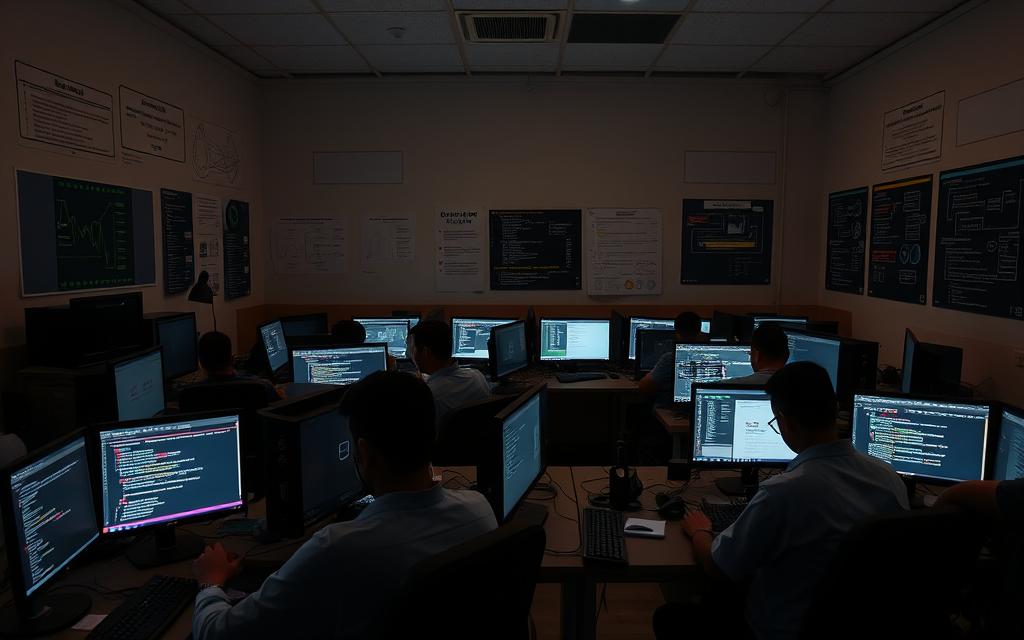
Using an emulator allows you to simulate various hardware configurations and test your OS under different conditions, helping you identify and fix compatibility issues.
By leveraging emulators and thorough debugging techniques, you can significantly enhance the reliability and performance of your operating system.
Conclusion
Ultimately, the process of building an operating system teaches valuable lessons in programming and system design. By following the steps outlined in this article, you can create a custom OS tailored to your needs. Key takeaways include understanding operating system fundamentals, setting up a development environment, and implementing basic functions. With persistence and practice, you can overcome the challenges of OS development. Your custom operating system will be a testament to your programming skills.


 By
By